Invoice Calculator
Work out exactly what to put on an invoice: hours or units × your rate, plus extras, minus a discount, plus tax, minus any deposit already paid.
Invoice total = (quantity × rate + extras − discount) + tax on that amount. Example: 10 hours at $75 with 8% tax is a $750 subtotal, $60 tax, and an $810 total.
Your numbers
Edit any field — results update as you type.
Every fee on Etsy, Shopify, Amazon Handmade and at markets, on one page. We'll email it to you too.
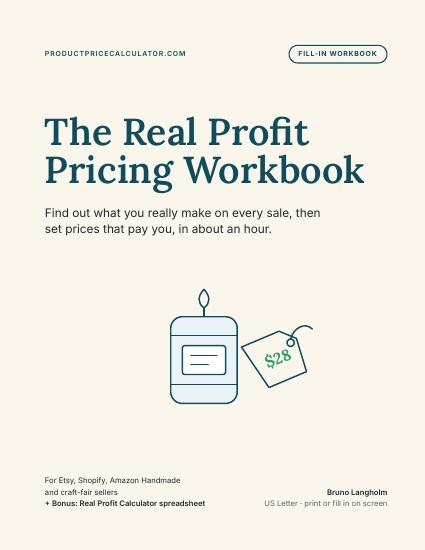
- Your time, fees and shipping counted in
- A price for every channel you sell on
- Fillable PDF + bonus Excel calculator
Instant download · 30-day money-back guarantee
How the invoice total is calculated
Quantity × rate gives the line value. Extras are added, the discount comes off that subtotal, and tax is applied to the discounted amount — never to the pre-discount figure. Any deposit already paid is subtracted last to give the balance due.
Frequently asked
Related calculators
Reverse-engineer your hourly from a target income.
OpenProject quote, hourly equivalent, three packaged tiers.
OpenAdd or remove sales tax with built-in US state base rates.
OpenAdd tax to a price, back tax out of a total, handle local rates, and figure out when you have to collect across state lines.
OpenLast reviewed: 2026-09-18